macOS desktop widget

Your whole work day, printed as a receipt.

Everything you got done today: your AI coding sessions, the sites and docs you worked in, the commits you shipped. Grouped and copy-paste ready for a standup, timesheet, or task sheet. It rebuilds itself from files already on your Mac.

Local-first · No API keys · No telemetry · MIT · ~3 min setup

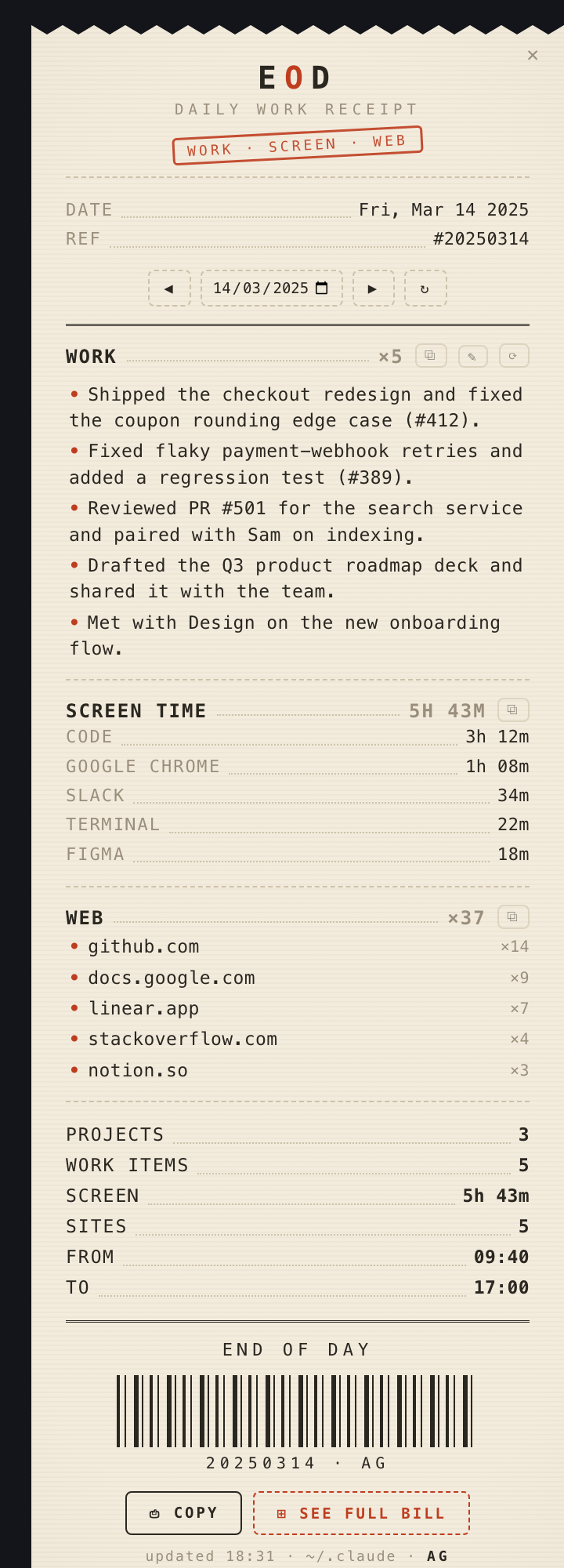
The EOD daily receipt: a cream thermal-paper widget listing the day's work items, screen time and visited sites.
Sample data

How it works

Five local sources in, one receipt out.

Nothing is uploaded and nothing is indexed in advance. On a timer, the parser re-reads files that already exist on your disk and rewrites the receipt.

YOUR MAC ~/.claude/projects ~/.codex git repos work folders browser + app usage reads extract.py parse · dedupe · filter writes cache/receipt.html self-contained renders eod.lua hs.webview overlay claude CLI AI polish OPTIONAL · your existing CLI login skipped entirely if the CLI is missing YOUR MAC ~/.claude/projects ~/.codex git repos work folders browser + app usage reads extract.py parse · dedupe · filter writes cache/receipt.html self-contained renders eod.lua hs.webview overlay claude CLI AI polish OPTIONAL · your CLI login skipped if the CLI is missing
Everything inside the dashed boundary is a local file read and a local file write. The one highlighted path leaving the box is the only step that leaves your Mac, it is optional, and when the CLI is not logged in the parser falls back to fully offline cleanup.

Where it pulls from

Five places you already work.

Each line is the work done: the AI-generated session title from Claude Code or Codex, a clean one-liner. The receipt itself never prints your raw prompts.

Work

Claude Code + Codex

Your coding sessions, grouped per project, read from their local JSONL transcripts.

Shipped

Git

Commits and PRs, read from repos in your work folders.

Docs

Documents

Decks, docs, sheets and PDFs you created or edited in your work folders.

Web

Browsing

The sites you spent time on, read from Chrome, Brave or Safari history.

Screen time

Apps

Where the hours actually went, read from local app-usage.

Private

Except what you exclude

Add a project name to exclude.txt and it never reaches the receipt.

Frameless, transparent, and it prints down.

Only the cream paper shows on your wallpaper. Drag it by the masthead; it floats over full-screen apps, prints down when opened and rolls up when closed.

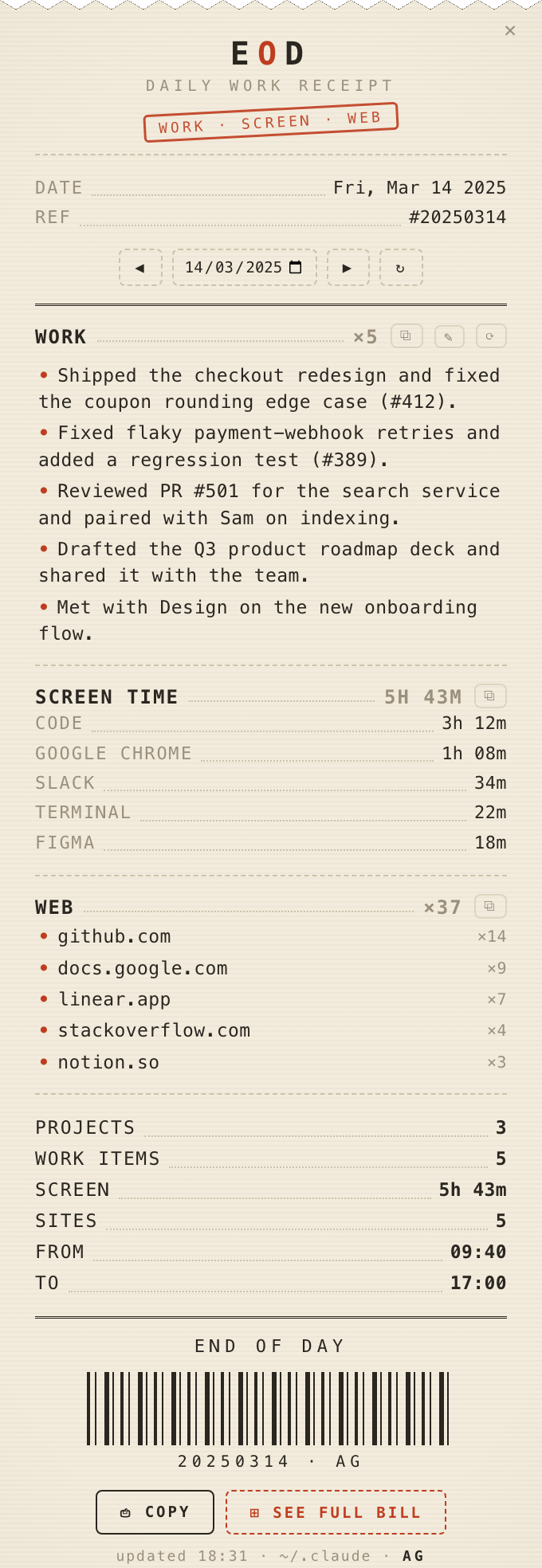
The daily receipt, listing work items, screen time and visited sites for one day.
Daily receipt
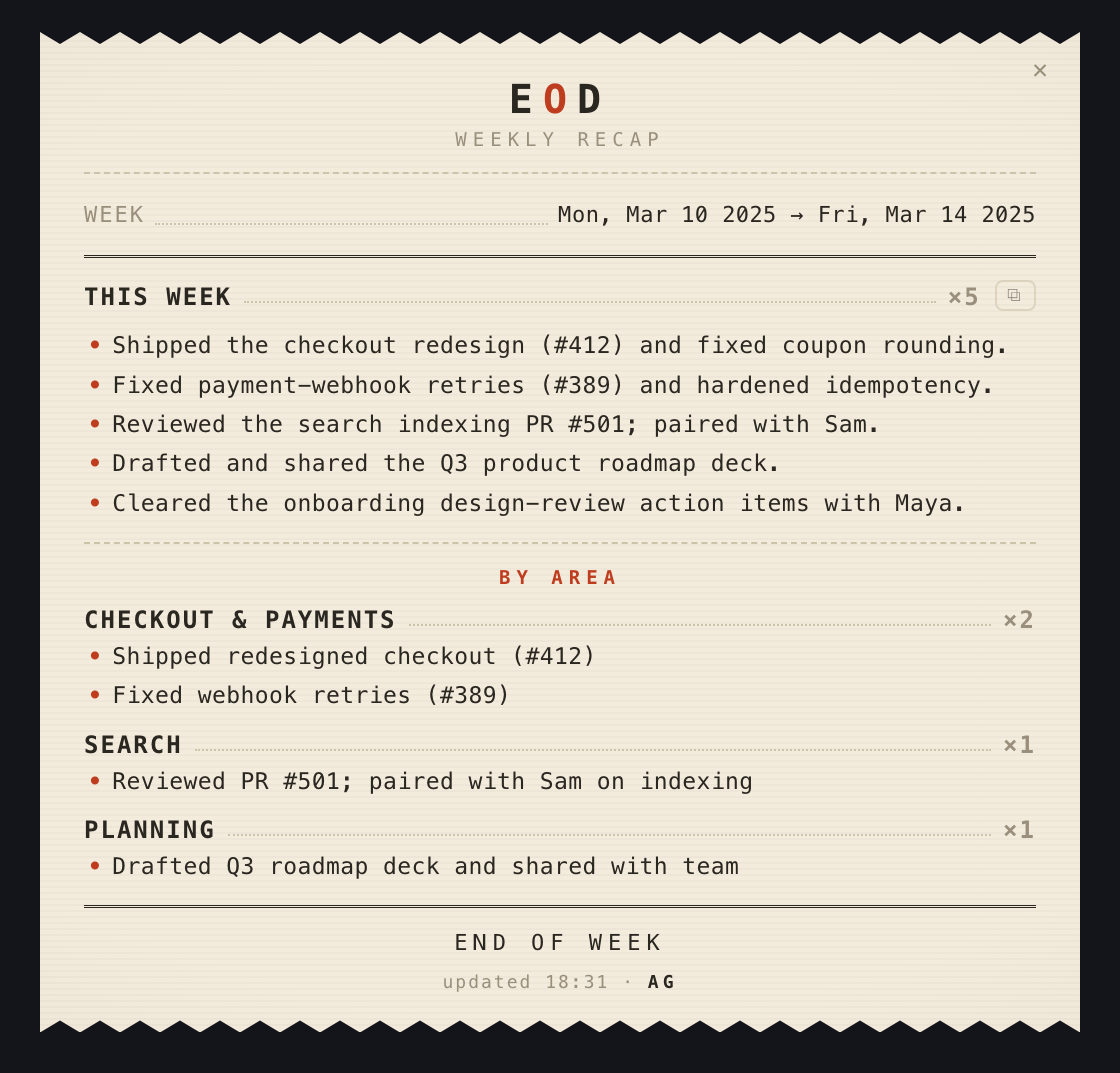
The weekly recap, summarising a week of work grouped by area.
Weekly recap

Sample data. EOD builds these from your own activity, on your Mac.

Features

Built for the ten minutes before standup.

01

Auto-built daily

Rolls over at midnight and refreshes through the day, from your local activity.

02

Multi-source

Sessions, commits, documents, browsing and screen time on one receipt.

03

Daily and weekly

The recap is one keystroke away from the menu bar.

04

Copy all, or one project

Straight to the clipboard, already formatted for a standup or a sheet.

05

Edit inline

Fix, add or delete a line before you copy. On the weekly recap your hand-edits survive a re-summarize unless you force one.

06

Browse previous days

Step back through the week when you are back-filling a timesheet.

Privacy

It reads. It does not send.

EOD reads local files and writes a receipt to its own cache/ folder. There are no API keys and no telemetry.

The one exception is the optional AI-polish step. If your claude CLI is logged in, EOD asks it to rewrite the day into crisper, manager-ready bullets. That goes through your existing CLI login, not an API key. Missing CLI? It falls back to fully-offline cleanup. This is the one path that crosses the boundary in the diagram above.

Exactly what that step sends

Worth being specific, because "local-first" is easy to claim and hard to check. Nothing else in EOD leaves your Mac.

Sent
Session titles. Up to 8 prompts per session, 160 characters each. Commit subjects and PR titles. Meeting titles. Document filenames and their folder. Page titles from work browsing. Your prompts do go, and prompts sometimes carry paths, hostnames or pasted snippets.
Never sent
Anything from a project in exclude.txt. Personal browsing: job boards, shopping, social. Mail, chat and calendar hosts. The names of people you met or worked with. File contents. Screen-time data. Other people never agreed to this, so their names stay on your machine.
Check it yourself
python3 extract.py --show-polish-payload prints the exact text and sends nothing. touch polish.off disables the step permanently. It is your own Claude account through your own CLI login, not a third party.
Install

About three minutes.

  1. Install Hammerspoon, the free automation app that hosts the widget, and grant it Accessibility when it asks.

  2. Don't already use Hammerspoon? Drop EOD straight into its config.

    mkdir -p ~/.hammerspoon && cp -R ./* ~/.hammerspoon/
  3. Open Hammerspoon, then Reload Config (⌥⌃⌘R). The receipt prints down in the top-right.

Already have an init.lua? Don't overwrite it. See INSTALL.md for the two lines to add instead.

What you need

Hammerspoon required
Hosts and draws the widget. Grant Accessibility in System Settings, Privacy & Security, Accessibility. Needed for dragging and the hotkey.
python3 required
Runs extract.py. Check with python3 --version. Looked up in /opt/homebrew/bin, /usr/local/bin, /usr/bin.
Claude Code / Codex
Use at least one, for the WORK section. No permission needed. It only reads files already on your Mac.
Browser history
Powers the WEB section. Chrome and Brave are automatic. Safari may need Full Disk Access for the Hammerspoon process.

Controls

Everything is on the paper.

⌥⌃⌘WShow / hide
Menu-bar toggle
Hide the receipt
dragMove it by the masthead
Copy the whole day
Copy one project
Edit lines, then 💾 to save
Add a line
Re-summarize
◀ ▶Previous / next day
Refresh
Delete a line, while editing